
meet the New England IT team you can rely on






Linda Weller
President
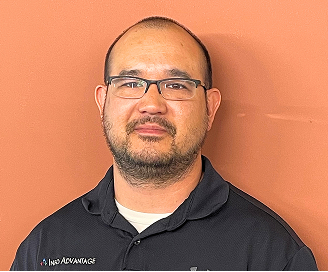
Chris Chan
Sr. Director of Solution Sales
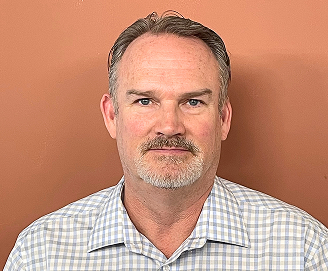
Mitch Weller
Executive Vice President

Nick Wetherwax
Sr. Director of Technical Solutions
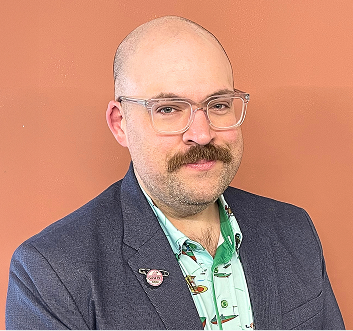
Mike Minch
Client Success Representative
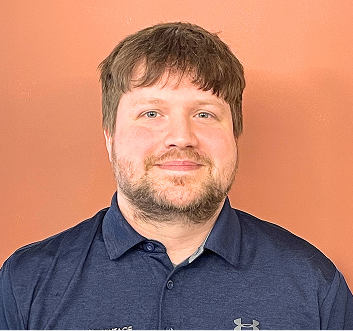
Jacob Weller
L1 Engineer

Rikki Weller
Marketing Executive

Brian Moss
Solution Sales Representative
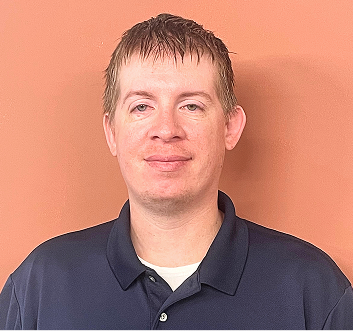
Chris McDonald
L2 Engineer

Matt Frosini
L2 Engineer
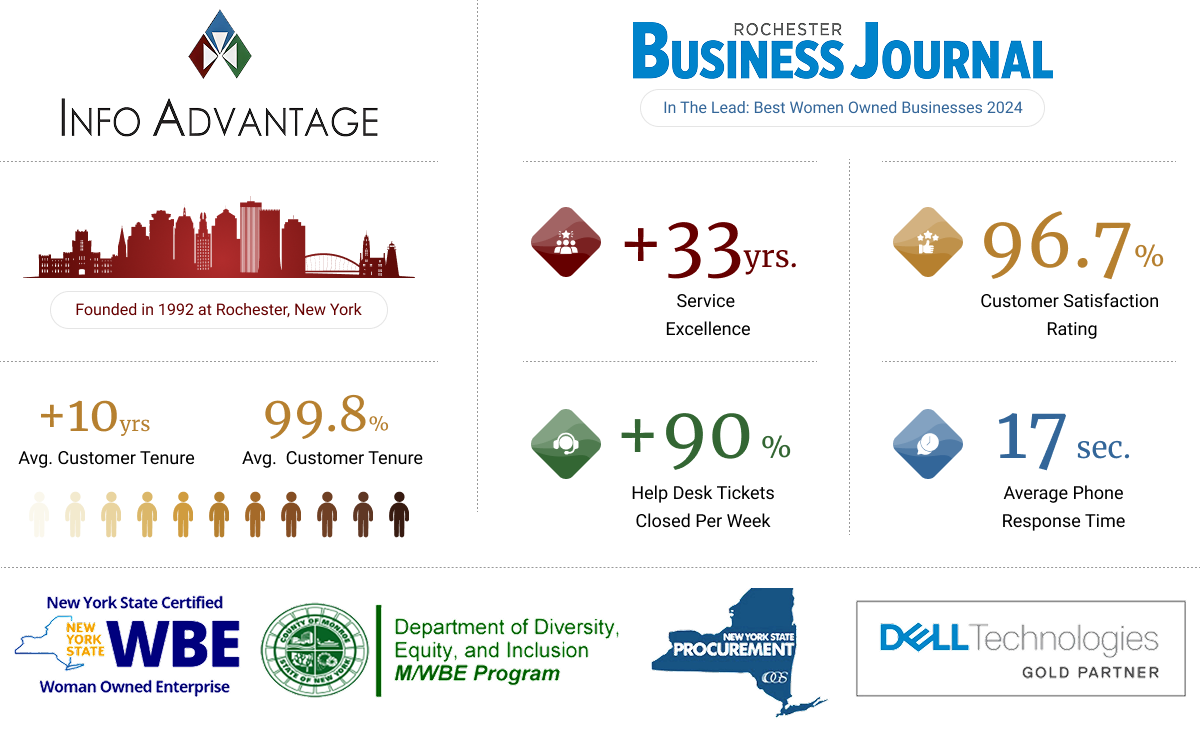
We love conversations with our clients but it's our work that does the real talking.
“We needed help it was only a phone call away”
“We enjoyed another successful year at Hoag Library in no small part due to our relationship with Info Advantage. With the help of Johnathan and Linda we replaced many of our computers this year and have finally gotten all of our equipment onto a three year cycle for replacement. The installation of the new computers was handled in house knowing that if we needed help it was only a phone call away. Jeremiah was instrumental in helping us get all of the new equipment online and swapping out some other equipment with items that were at the end of life. Other times we have depended on Jacob to help us figure out why we were having problems. (an unknown power outage was one cause.) and he and Kris reset programs when we could not make successful updates. We were also unable to catalog new books when the dedicated computer went down. We sent the computer to IA , they performed “magic” and Jacob returned it and reinstalled it until our new computers came in.”

BETTY SUE MILLER
Director Hoag Library
“Words can’t describe the difference Info Advantage has made."
“I have been working with the Info Advantage team for a little over a year now as the IT Manager for VP Supply Corp. Words cannot describe the difference Info Advantage has made in my ability to do my job and protect our network and information assets. What started as a hardware vendor has now evolved into providing MSSP services to better protect our network – and we could not be happier with the quick return on investment this has given us. I would like to give a special shout-out to the members of the Info Advantage team who have not only done their job exceptionally well but have also mastered the soft skills and make me feel as though I can always reach out if we need them. Johnathan, Chris Chan, Chris McDonald, and Nick Wetherwax have been outstanding over the past year. With continued success like this VP Supply will have Info Advantage as a partner for many, many years to come!”

ADAM DEKRAMER
IT Manager VP Supply Corp
“I’ve worked with Info Advantage for 12 yrs. across multiple companies.”
“I have worked with Info Advantage over the past 12 years at a couple of companies. This year, Info Advantage helped me deploy a new VMWare / EMC environment for my current employer. During the selection process, they were very responsive with quote changes, responses to questions and updates explaining every aspect of the roll-out. They were very willing to take my current level of knowledge into consideration in the quoting process and their quotes were very competitive. Once awarded the project, Info Advantage proceeded very quickly to order and install the hardware in agreed time with on-hands training and system documentation for me. I would personally recommend Info Advantage for any project.”
CLINT SCHWAB
Durst Imaging / Rochester, NY
iaGuardianMSP Solutions Builder
See what IT should actually cost your business. Use our calculator to estimate your monthly budget based on your team size, needs, and security requirements. Click the button to get your estimate.

Always On IT Services & Cybersecurity Protection for Rochester Businesses
We deliver managed IT services and cybersecurity solutions to Rochester Businesses that protect, ensure regulatory compliance, and minimize risk so you can operate with confidence and focus on what drives your success.
iaGuardian IT Services Suite

UC: Seamless Connectivity
Scalable, seamless communication that boosts collaboration and keeps teams connected.

MSP: Transform IT Challenges
24/7 support, strong security, and cost-effective IT transforming your technology challenges into growth.

DR: Business Continuity
Stay resilient. Prevent data loss and downtime with expert support and advanced recovery.

Cloud: Secure Agile. Efficient.
Secure, scalable access to apps and data—anytime, anywhere—with built-in efficiency and cost savings.

Secure: Elite Cyber Protection
Always-on threat detection and real-time human response to stop attacks before they spread.
Industries We Empower
With decades of hands-on experience across regulated and fast-moving industries, we understand the unique risks you face. Our deep industry expertise allows us to deliver cybersecurity-first, compliance-ready IT solutions tailored to your environment and built to protect what matters most.

Financial Service Organizations

Healthcare &
Medical

Manufacturing &
Distribution

Legal Firms &
Attorneys

Nonprofit
Organizations

Professional
Services
Industries We Empower
With decades of hands-on experience across regulated and fast-moving industries, we understand the unique risks you face. Our deep industry expertise allows us to deliver cybersecurity-first, compliance-ready IT services tailored to your environment and built to protect what matters most.

More Insights
Stay connected with all of the latest IT services trends and alerts by subscribing to our blog.

The Human Side of Cybersecurity Has Never Mattered More
AI is changing cyber threats, making human awareness and layered security more critical than ever. ...more
Business
June 04, 2026•3 min read

Your Cyber Insurance Won't Save You If This Gap Is Already Open
Cyber insurance may not cover gaps in MFA, passwords or access controls. ...more
Business
May 28, 2026•4 min read

The Human Side of Cybersecurity Has Never Mattered More
AI-powered cyber threats are rising. Learn why layered security and human insight matter. ...more
Business
May 14, 2026•4 min read























Location
155 Sanford St Rochester,
NY 14620
Company
© 2026 Info Advantage Inc. Built with MSP Sites. Privacy Policy


